Creating an Industrial Joint Handover Register
An industrial joint handover register gives the owner a usable starting point for maintenance. It should identify the installed assemblies and their locations, not simply repeat the purchase invoice.
Selection considerations
Create an as-built plan showing joint runs, intersections and special conditions. Link each location to the BULDX code, approved drawing revision and relevant inspection records. Separate different joint functions so the operator can distinguish an isolation detail from a repair or crack-control detail.
Add the supporting documents, cleaning or maintenance instructions and compatible spare references supplied for each assembly. Keep any outstanding observations visible with responsibility for resolution. A missing record should not be replaced with an assumption about what the installer probably used.
Review the register with the owner before completion. Explain how later inspections and replacements will be recorded using the same location IDs. When a repair changes the assembly, update the register and retain the earlier record as history rather than overwriting the traceability of the original installation.
Before you specify or order
- Link as-built locations to codes
- Retain approved documents and inspections
- Identify compatible spares
- Keep later changes traceable
Relevant BULDX catalogue examples
These records illustrate the product types discussed. Compare the full specifications before selecting; listing here does not establish project suitability or make the items interchangeable.
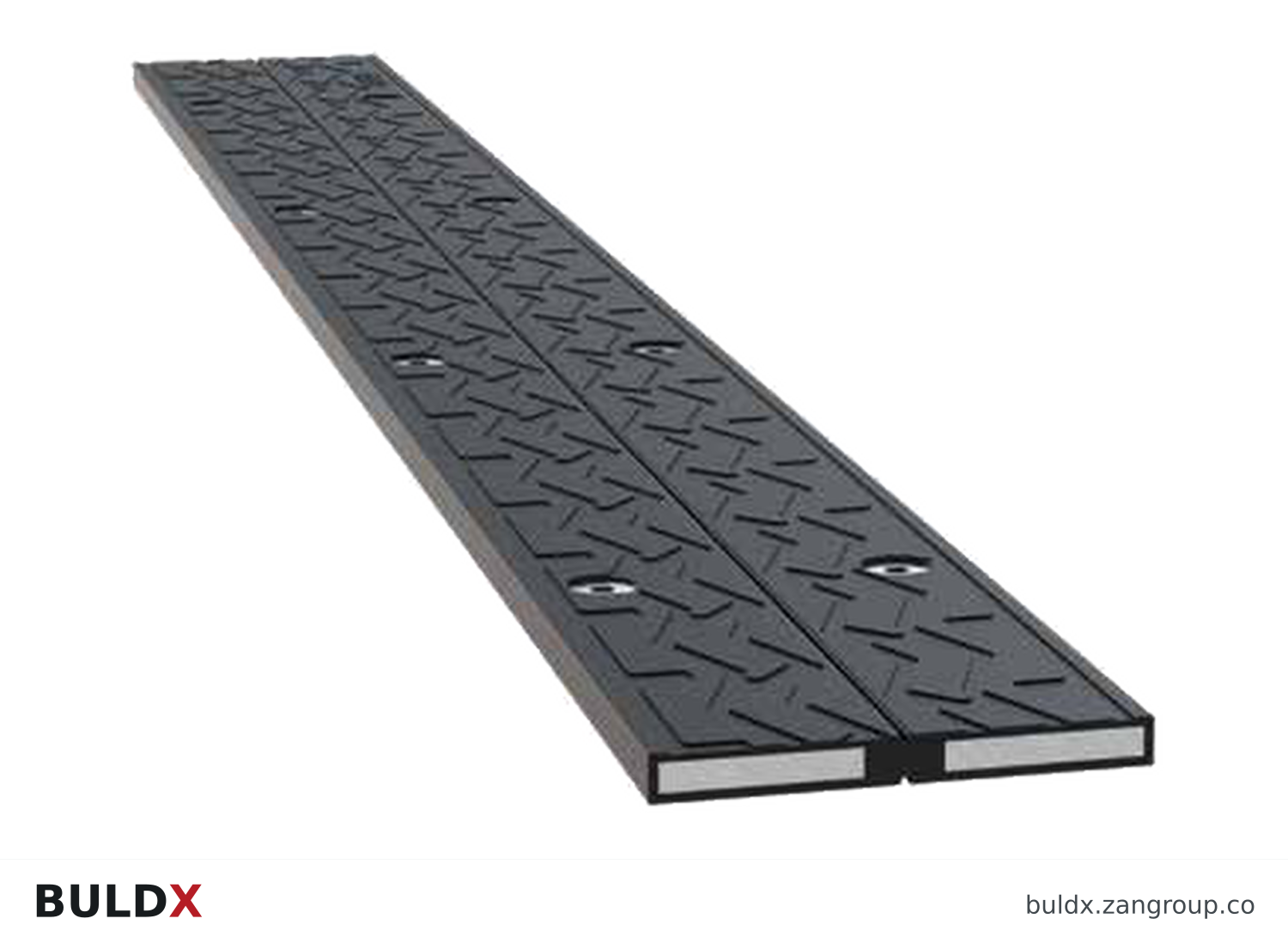
BDX-RJ-CMP · Catalogue geometry reference; a family illustration may be shared by variants. Consult the exact selected drawing for variant dimensions and assembly requirements.| Product and code | Selected catalogue fields |
|---|---|
BDX-RJ-CMPRubber-Steel Composite Repair JointRepair Joints |
|
BDX-RJ-DEEPDeep Repair JointRepair Joints |
|
BDX-RJ-SINSinusoidal Repair JointRepair Joints |
|
Common question
Is the original order enough for future maintenance?
No. It does not necessarily show where each assembly was installed or which site revisions were accepted.
References and scope
Product fields are from the BULDX catalogue. Confirm the current selected drawing, supporting performance documents and approved project detail before ordering. External references, where listed, provide background guidance and do not certify these products.