Recording Tactile Component Replacements
Tactile replacement records should preserve both component identity and route purpose. Replacing a worn piece with a similar-looking raised element can change the intended information if the function or layout is not checked.
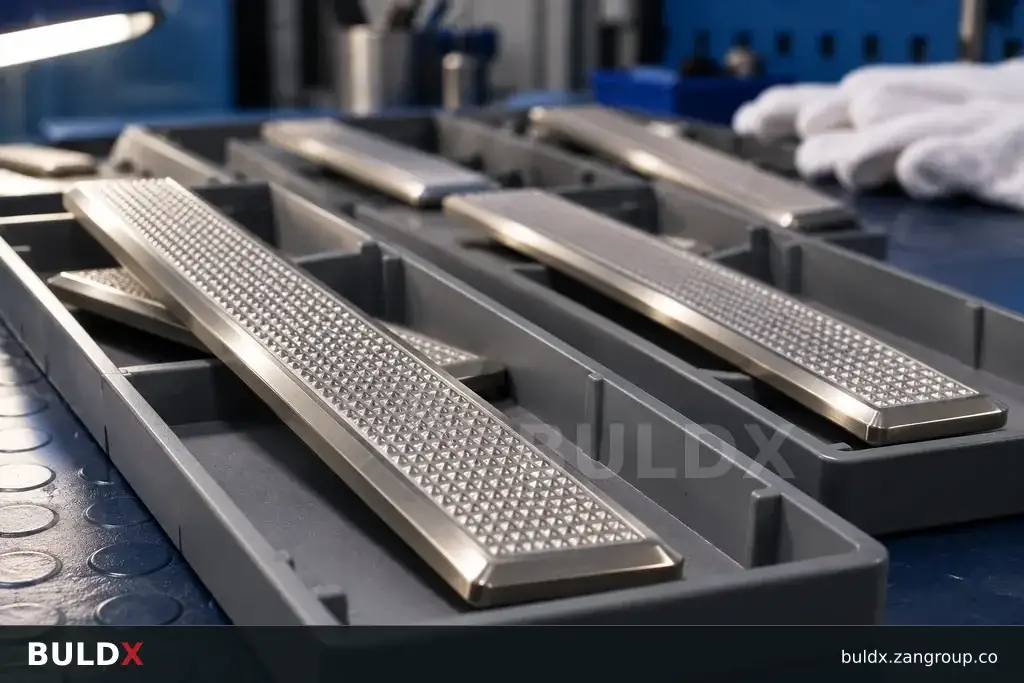
Selection considerations
Locate the affected component on the current approved route map. Record its code, pattern and attachment arrangement. Photograph its condition before removal, but use the project records rather than the photograph alone to identify the required replacement.
Confirm the compatible replacement and any revised installation requirements with the relevant supplier and responsible reviewer. If the original item is unavailable, document the proposed alternative before fitting it. Do not treat colour similarity as approval of a different tactile function.
After replacement, inspect the affected arrangement using the agreed criteria and update the location register. Retain the new component reference and approval history. This helps the next maintenance team distinguish a deliberate accepted change from an undocumented site substitution.
Before you specify or order
- Locate the component on the route map
- Confirm function and compatibility
- Approve alternatives before fitting
- Retain the replacement history
Relevant BULDX catalogue examples
These records illustrate the product types discussed. Compare the full specifications before selecting; listing here does not establish project suitability or make the items interchangeable.
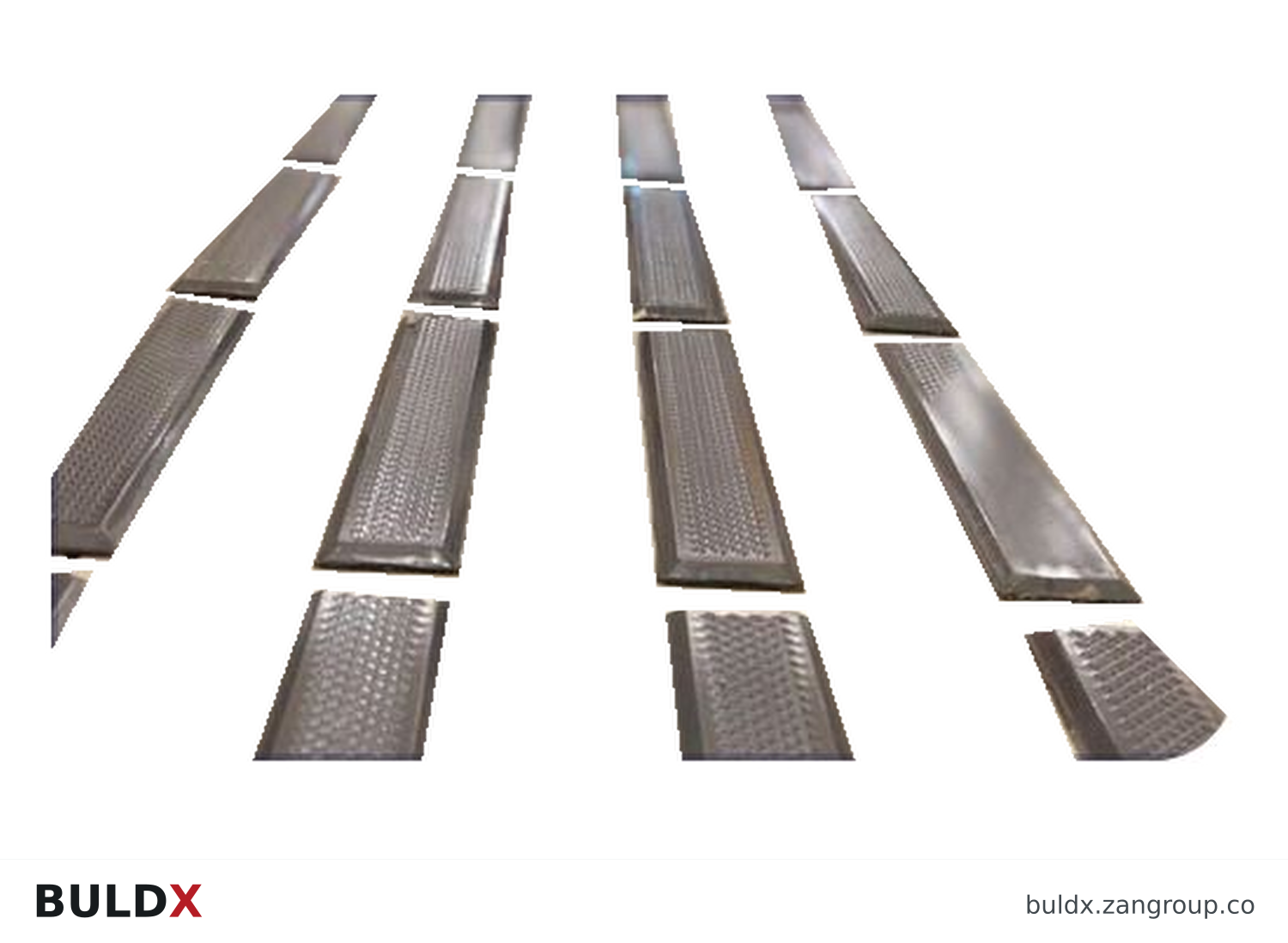
BDX-TS-DIR · Catalogue geometry reference; a family illustration may be shared by variants. Consult the exact selected drawing for variant dimensions and assembly requirements.| Product and code | Selected catalogue fields |
|---|---|
BDX-TS-DIRDirectional Tactile SurfaceTactile Surfaces |
|
BDX-TS-WRNWarning Tactile SurfaceTactile Surfaces |
|
Common question
Can one available tactile spare replace any missing piece?
No. Match the required function, geometry, attachment and approved route arrangement.
References and scope
Product fields are from the BULDX catalogue. Confirm the current selected drawing, supporting performance documents and approved project detail before ordering. External references, where listed, provide background guidance and do not certify these products.